Task statuses and the production flow
Tasks move TODO → IN_PROGRESS → REVIEW → MOTION → FINAL_REVIEW → DONE. Learn what each status means and who acts when.
Every task on the task board moves through a set of statuses that mirror your production pipeline. Each status tells everyone where the work stands and who should act next, so nothing stalls and no one has to ask "what's the status?"
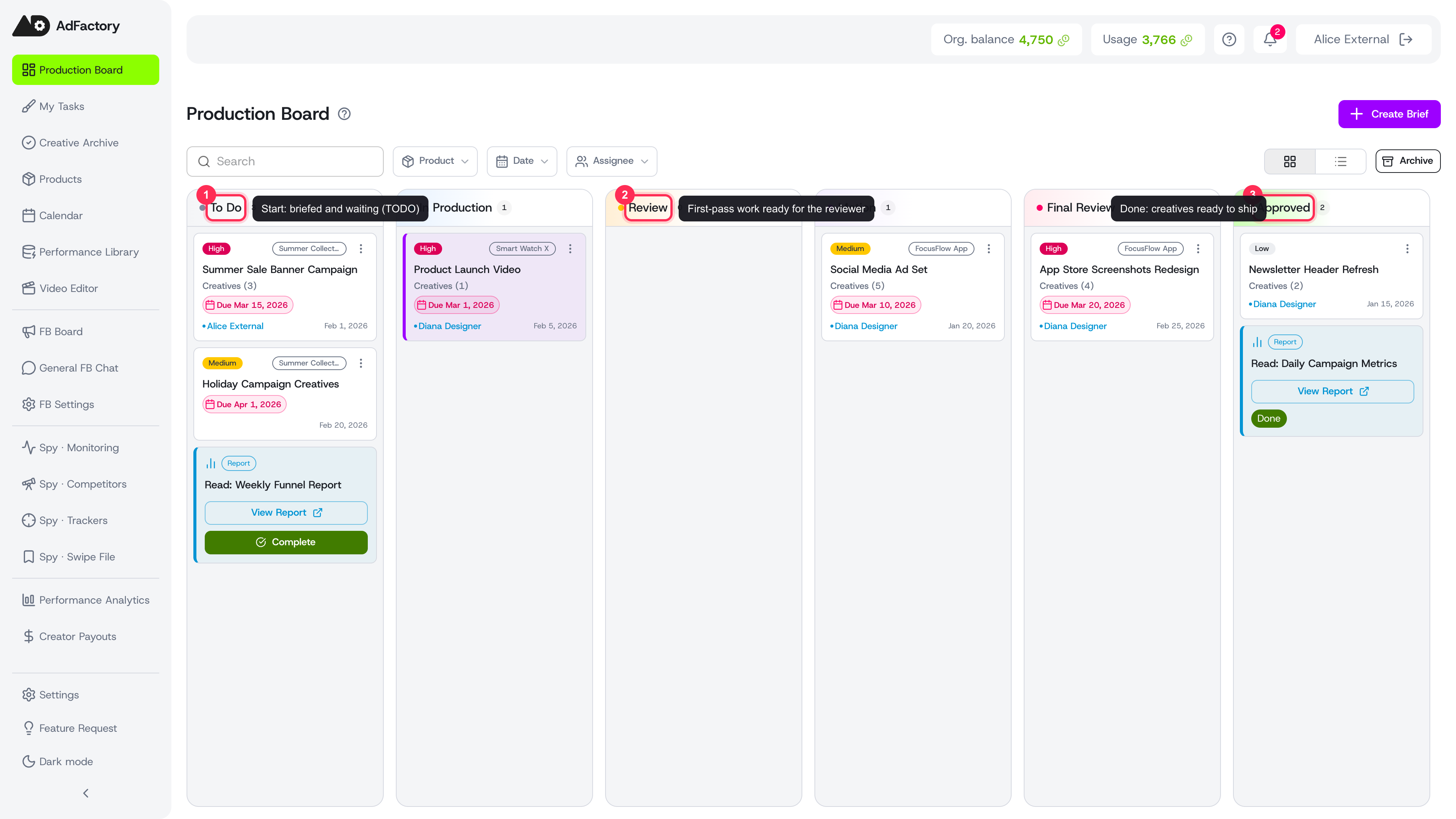 Each status is its own column; tasks flow left to right from To Do to Approved
The production flow
Tasks progress through these stages, left to right:
TODO → IN_PROGRESS → REVIEW → MOTION → FINAL_REVIEW → DONE
On the board, each status is its own column. You advance a task by dragging its card to the next column or by changing the status from the task detail page.
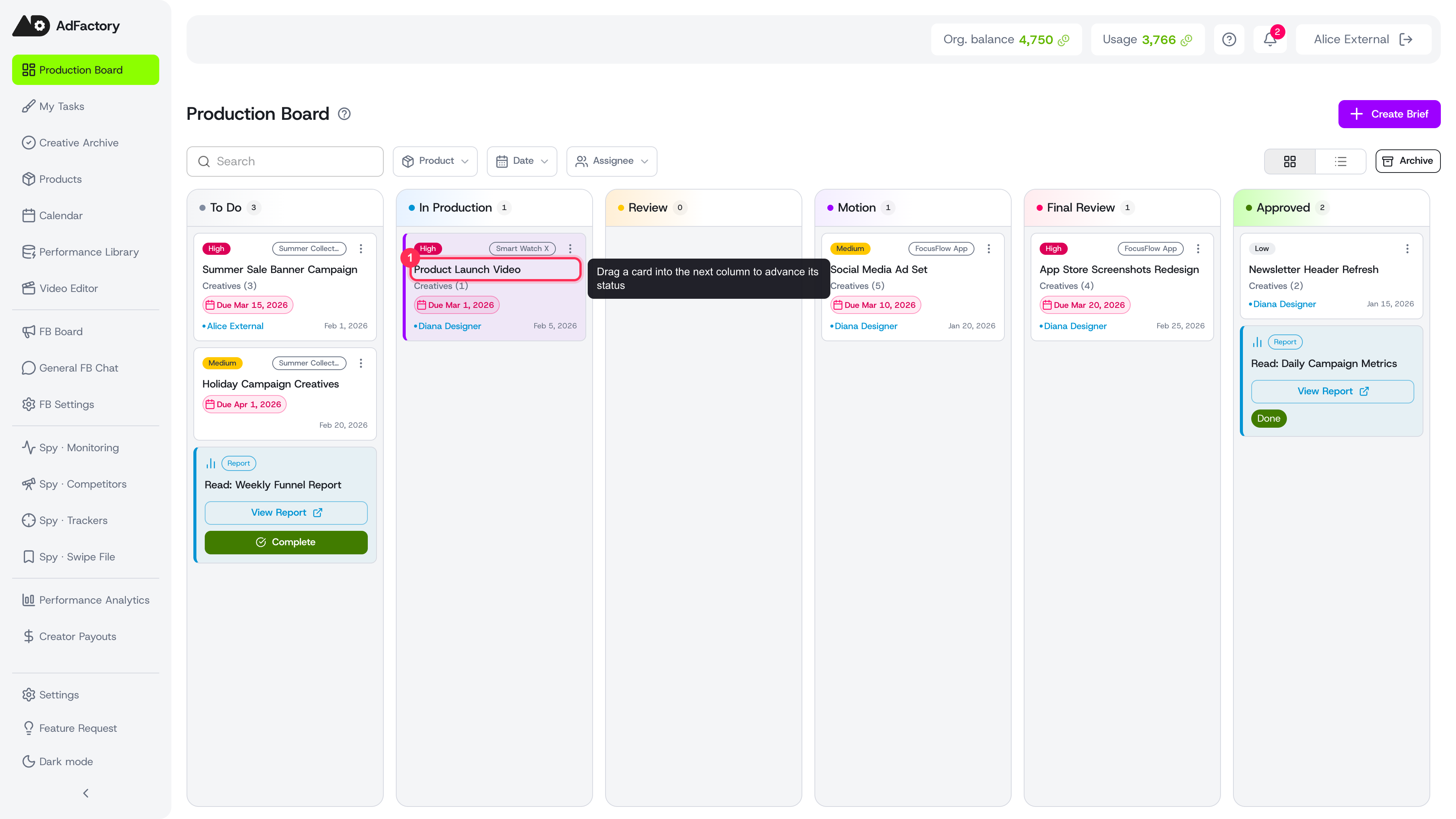 Advance a task by dragging its card into the next column
What each status means
- TODO — The task is briefed and waiting to start. This is where a task lands right after you create it. Make sure the brief and team assignment are complete before work begins.
- In Production (IN_PROGRESS) — The creator is actively producing. Materials are being uploaded or generated with AI inside each creative.
- Review — First-pass work is ready for the reviewer to check. Feedback happens through the creative review pipeline and change requests.
- Motion — Approved pieces move into motion/final assembly, where a designer turns raw materials into the finished edit.
- Final Review — The marketer does a last quality check before sign-off, confirming the result matches the original hypothesis and brief.
- Approved (DONE) — The task is complete and its creatives are ready to ship. Approved deliverables show up in approved creatives.
Blocked
A task can also be marked Blocked when it's waiting on something outside the current owner's control — missing assets, a pending decision, or a dependency. Unblock it and move it back into the flow once the obstacle clears.
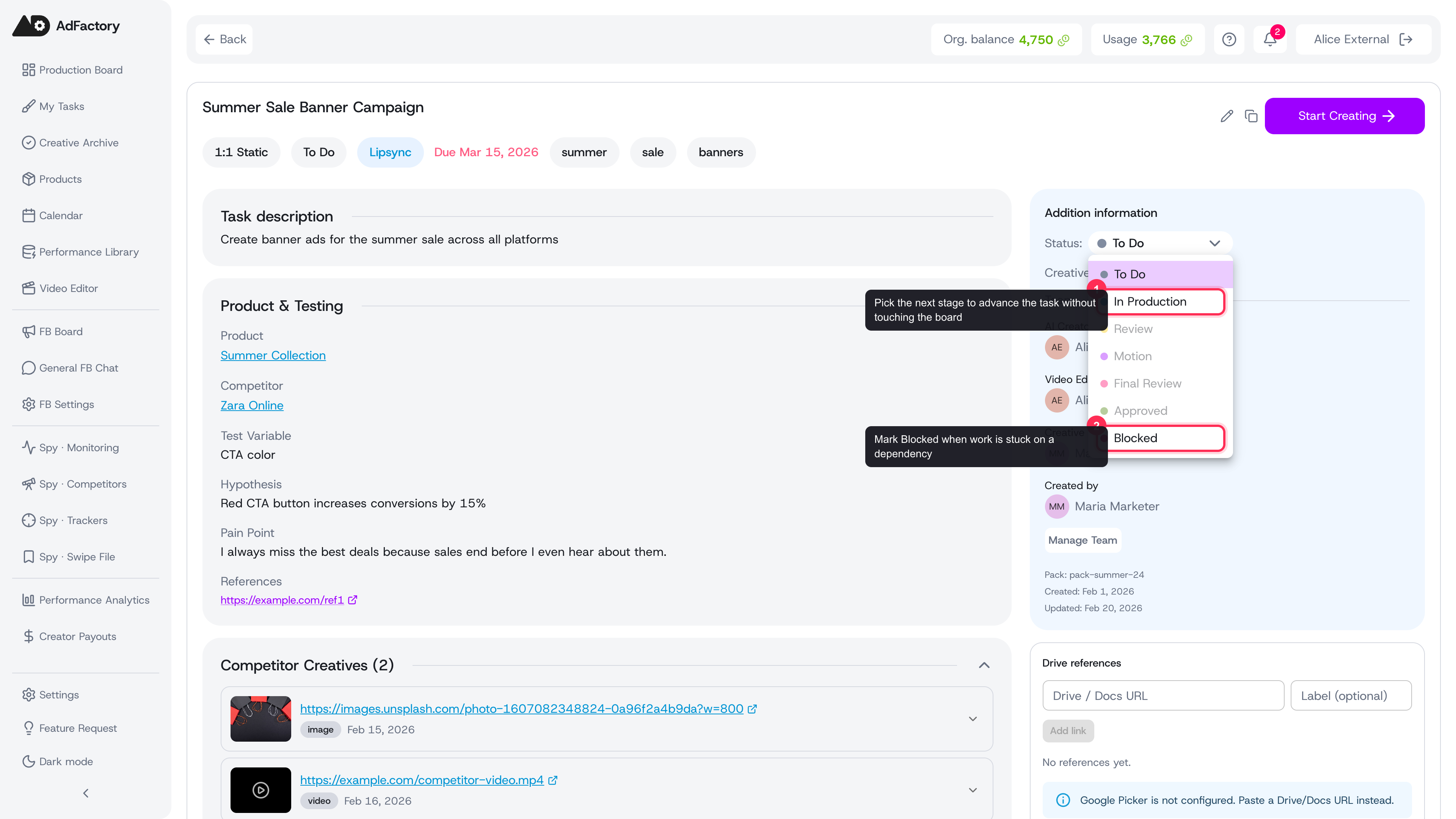 Change a task's status directly from its detail page, including marking it Blocked
Who acts at each stage
Statuses map cleanly to roles, which is why assigning your team matters:
- Marketer — owns the brief, kicks off the task, and gives final approval.
- Creator — produces materials during In Production.
- Reviewer / motion designer — reviews work and handles final assembly.
Learn more about who can do what in user roles and permissions.
Tips
- Move a card forward only when the stage is truly done — accurate statuses keep the whole board trustworthy.
- Use comments on a task to record decisions at each handoff.
- Watch notifications to know the moment a task reaches a stage you own.
- To see only the tasks waiting on you, switch to the My Tasks view.