Approved creatives
Browse every approved creative in one gallery and export the winners to your downstream tools.
Open in appApproved creatives are the finished, signed-off ads from across your organization, collected in one place. Once a creative reaches the end of the creative review pipeline and is approved, it lands here so you can find your winners, share them, and hand them off to the tools that actually run your ads.
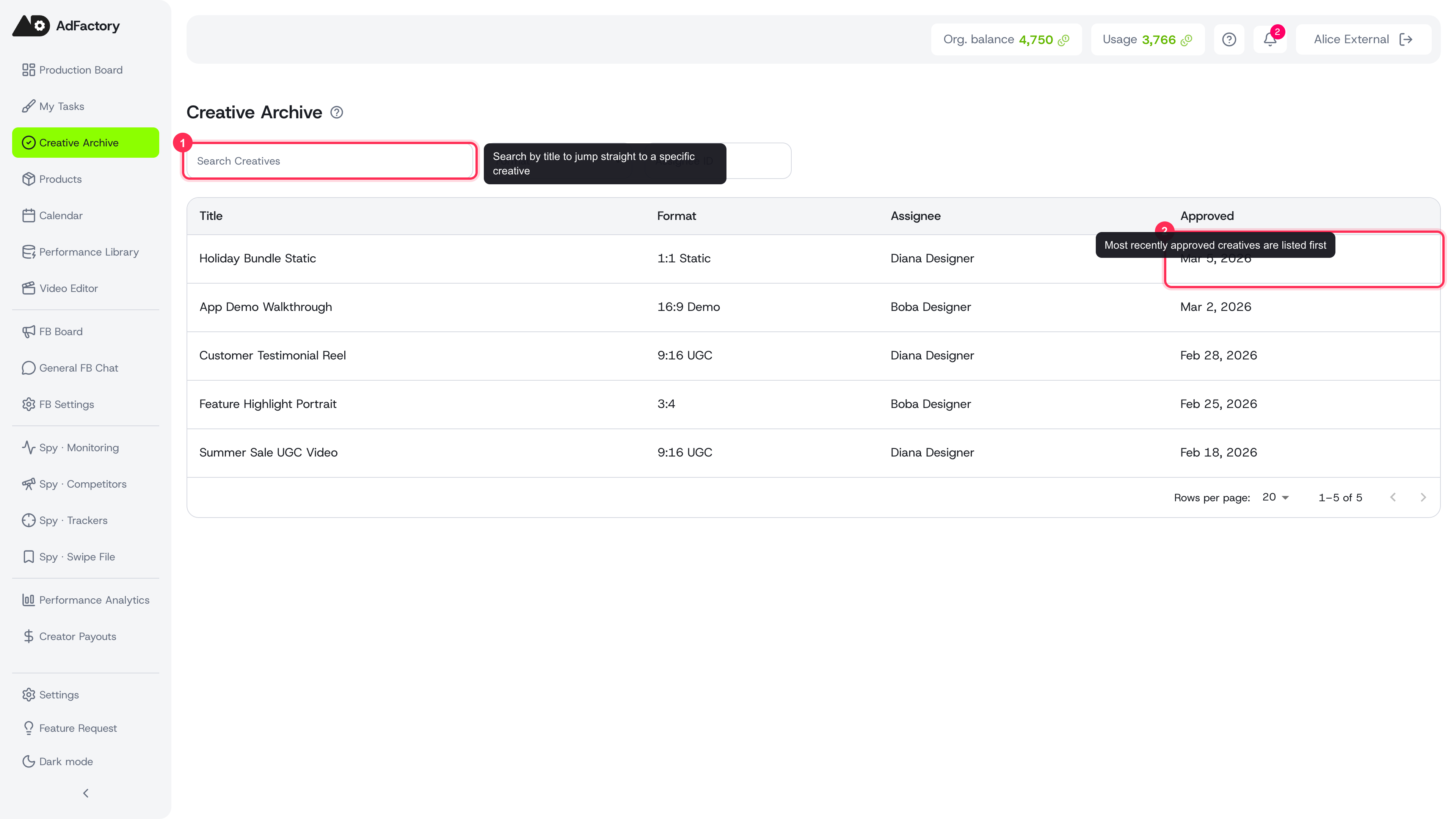 The Creative Archive collects every approved creative in one searchable, filterable list
What lands here
A creative shows up in this gallery only after it has cleared every stage of production and been given final approval. It works its way from draft, through production, into review, and finally to approved, with change requests sending it back for iteration along the way. When the reviewer signs off, the creative becomes a finished deliverable and joins the approved list.
This view pulls approved work from every task in your organization, so it's the single place to browse everything that's ready to ship — no need to dig through individual task boards.
Finding a creative
The list is built for scanning a large library quickly. You can:
- Search by title to jump straight to a specific creative.
- Filter by format — for example 9:16 UGC, 1:1 Static, or 16:9 Demo — to find the right asset for a placement. See creative formats for what each one is for.
- Filter by assignee to see what a particular teammate produced.
- Page through results, with the most recently approved creatives shown first.
Each row shows the title, format, assignee, and the date it was approved.
Opening a creative
Click any row to open the creative's detail view. From there you can preview the final media and review the work in full before you use it. This is the same finished output your team produced inside the task, including any AI-generated images, video, audio, and subtitles.
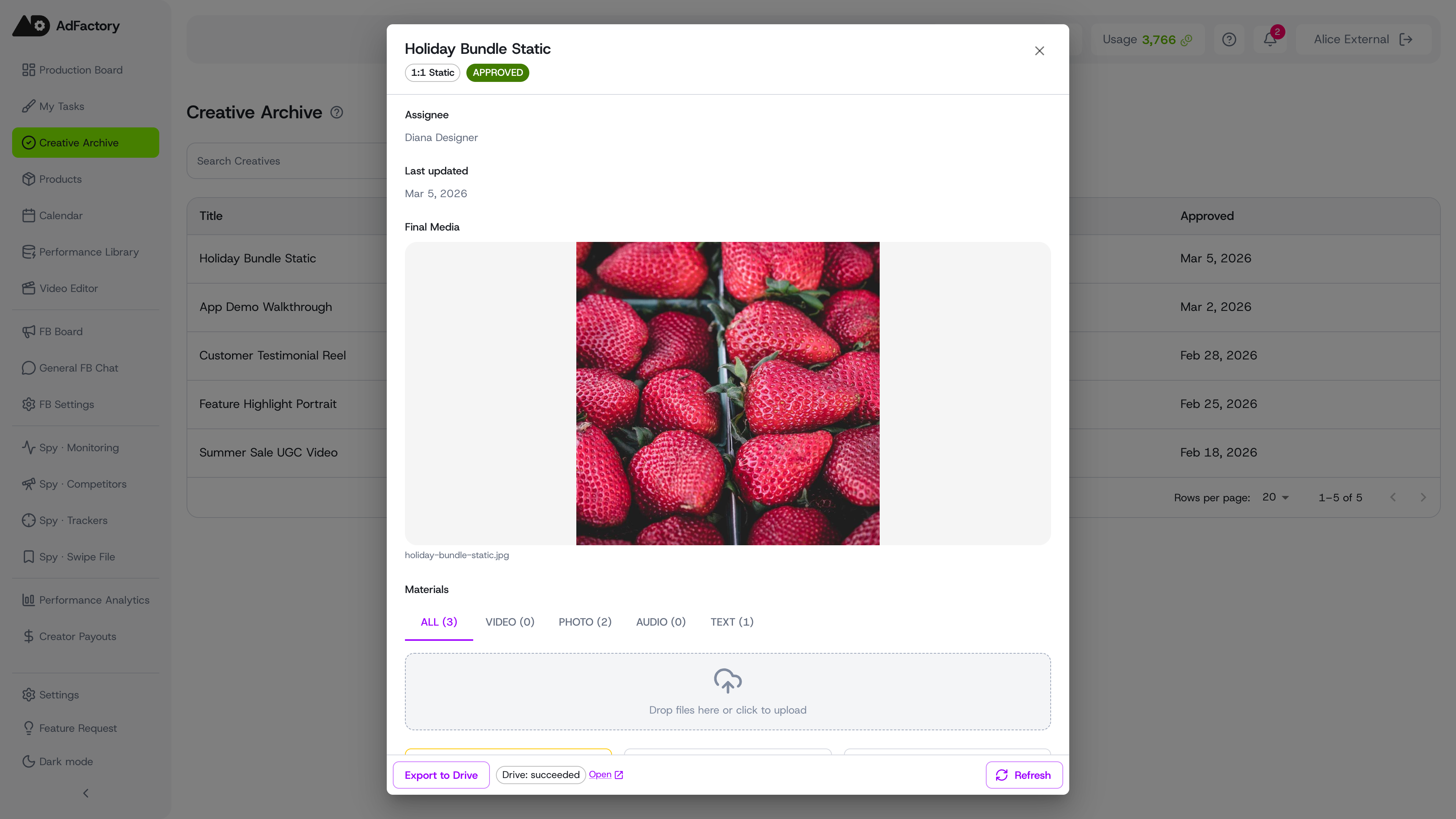 A creative's detail view showing its final media and the underlying materials
Exporting the winners
Approved creatives are meant to leave AdFactory and go to work. If you've connected Google Drive, you can export approved creatives to your Drive folder, where your media buyers and ad platforms can pick them up. Exports run in the background, with retry handling if anything goes wrong, so your finished assets stay in sync.
 The Export to Drive control on an approved creative, showing a succeeded export you can open in Drive
Closing the loop
The approved gallery is also a launch pad for measurement. Once a creative is live, track how it performs on the analytics dashboard and compare it against benchmarks to learn which approved creatives are truly your best — then feed those insights back into your next brief.