Creatives overview
A creative is a deliverable produced within a task. Learn the creative lifecycle from draft to approved.
A creative is a single deliverable produced inside a task — for example a 9:16 UGC video or a 1:1 static image. Each task can hold several creatives, so you can test multiple angles and formats against the same brief.
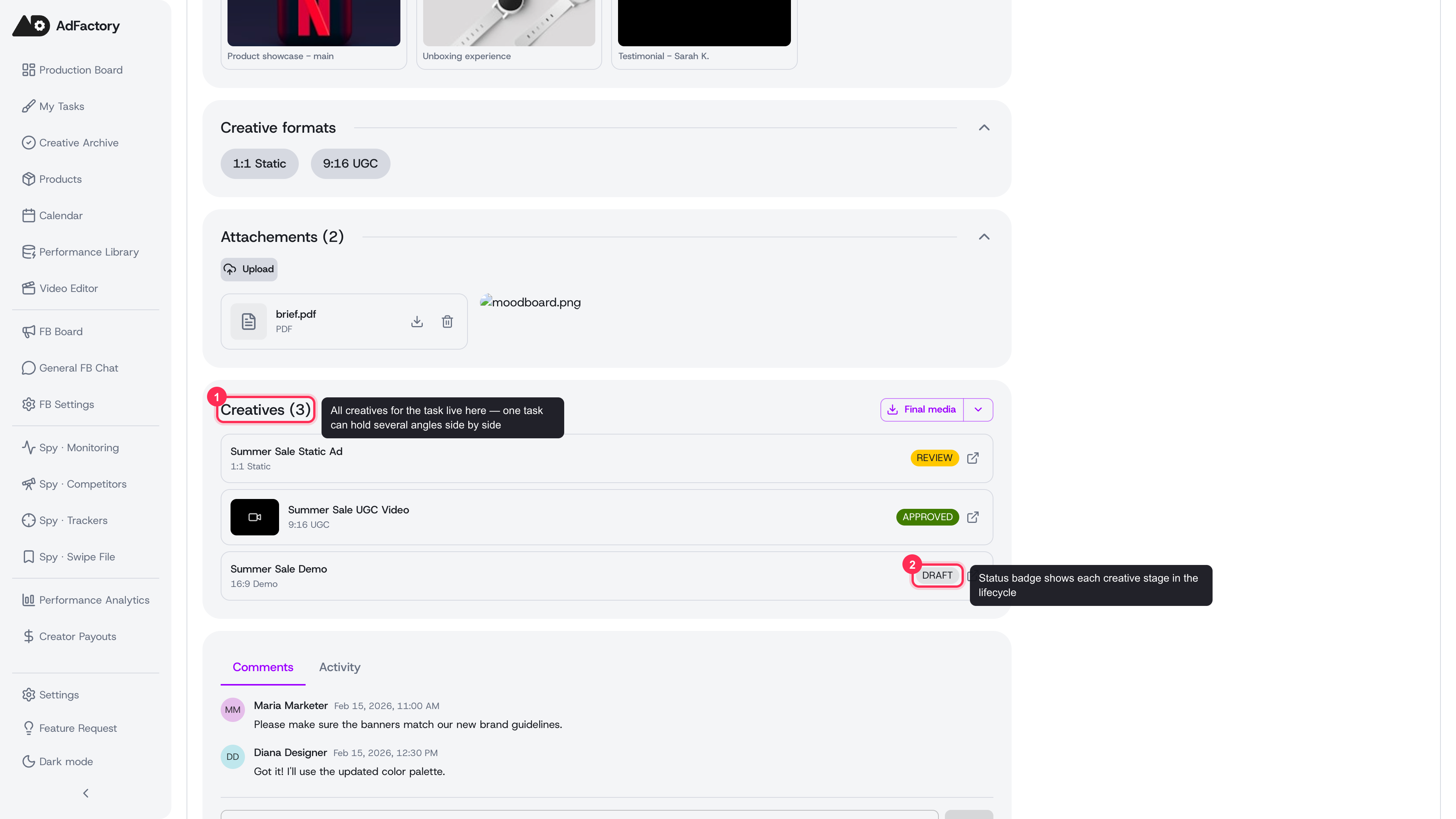 Every task groups its creatives together, each with its own format and status
What a creative contains
Every creative brings together a few things:
- A format — like 9:16 UGC, 1:1 Static, or 16:9 Demo — that matches the placement you're producing for.
- Materials — the video, photo, audio, and text files that make up the creative, whether uploaded, imported from Google Drive, or generated with AI.
- A status that shows exactly where the creative sits in production.
- A final deliverable — the approved video or image that's ready to run.
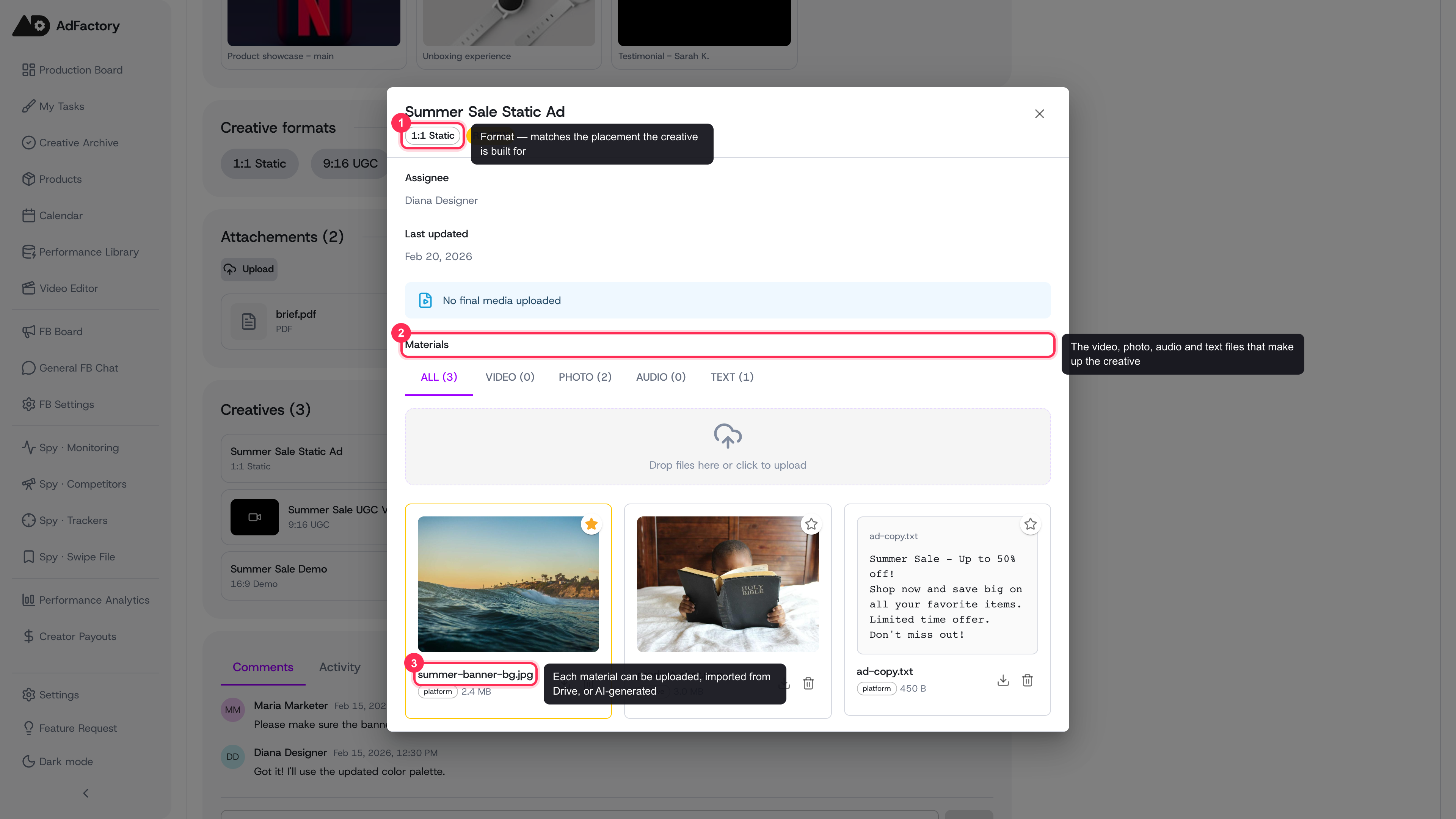 Open a creative to see its format, materials, and status in one place
The creative lifecycle
A creative moves through a clear set of stages from first draft to approved:
DRAFT → IN_PROGRESS → REVIEW → PRODUCTION → FINAL_REVIEW → APPROVED
In short:
- Draft / In progress — the creator builds and iterates on materials, using AI generation or uploads.
- Review — work is checked, and a reviewer may request changes.
- Production — motion and final assembly happen, including any body clips the creative uses.
- Final review — the marketer gives the final sign-off.
- Approved — the creative is finished and ready to export and run.
If a reviewer needs edits at any point, the creative moves into a changes requested state and returns to the creator. For the full walkthrough of who acts at each stage, see the creative review pipeline.
Working with creatives
- Create one by adding a creative to a task and choosing its format. See creating a creative.
- Give feedback with structured change requests so the team knows exactly what to iterate on, and discuss the work in comments.
- Track winners — once approved, every creative collects in the approved creatives gallery, ready to export to your downstream tools.
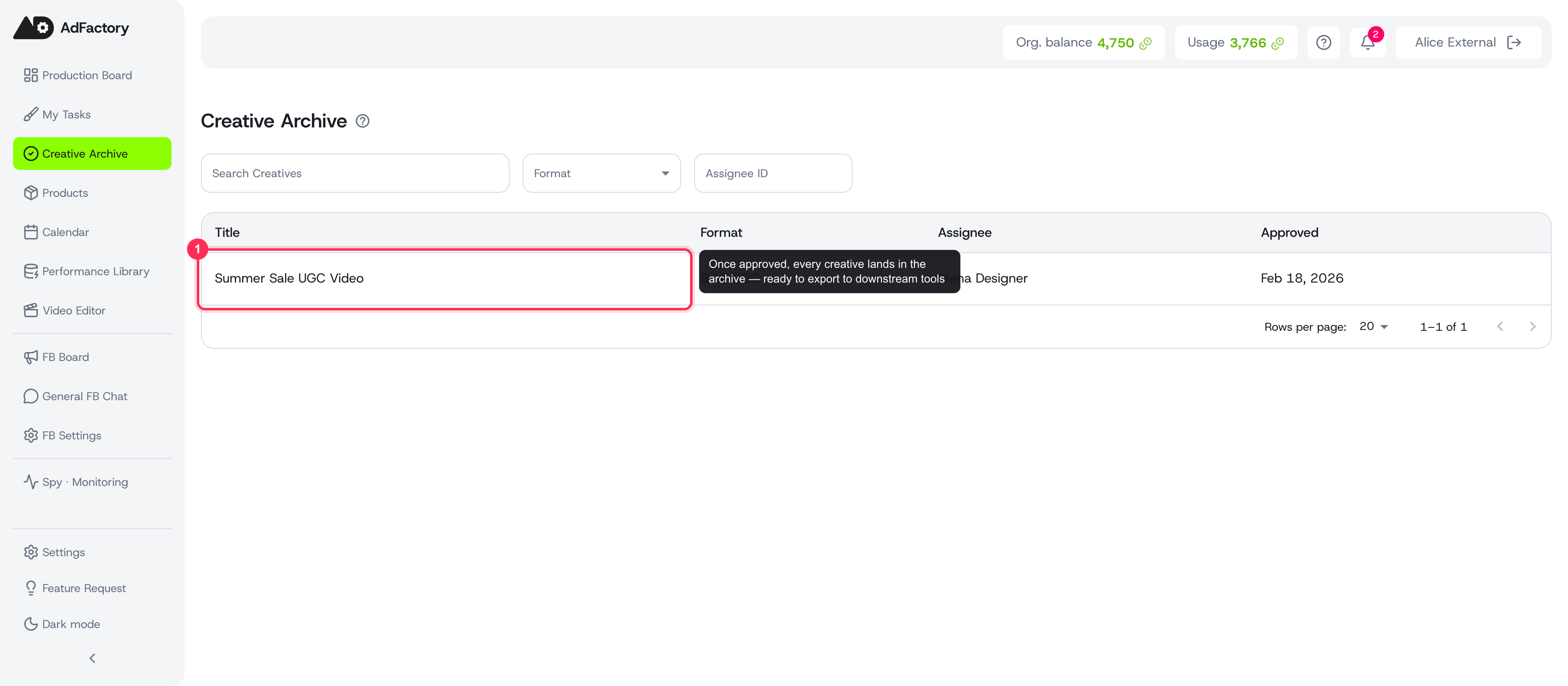 Approved creatives collect in the Creative Archive, ready to export
Tips
- Produce a few variations within one task so you can compare angles before approving.
- Keep the brief close at hand — the strongest creatives stay tied to the hypothesis they were meant to test.
- Lean on AI generation to fill in images, video, voiceovers, and subtitles without leaving the creative.