Creative formats
Choose from formats like 9:16 UGC, 1:1 Static, and 16:9 Demo to match each placement and channel.
A creative format defines the shape and style of an ad — its aspect ratio and the kind of creative it is. Picking the right format up front makes sure each ad fits the placement and channel where it will run.
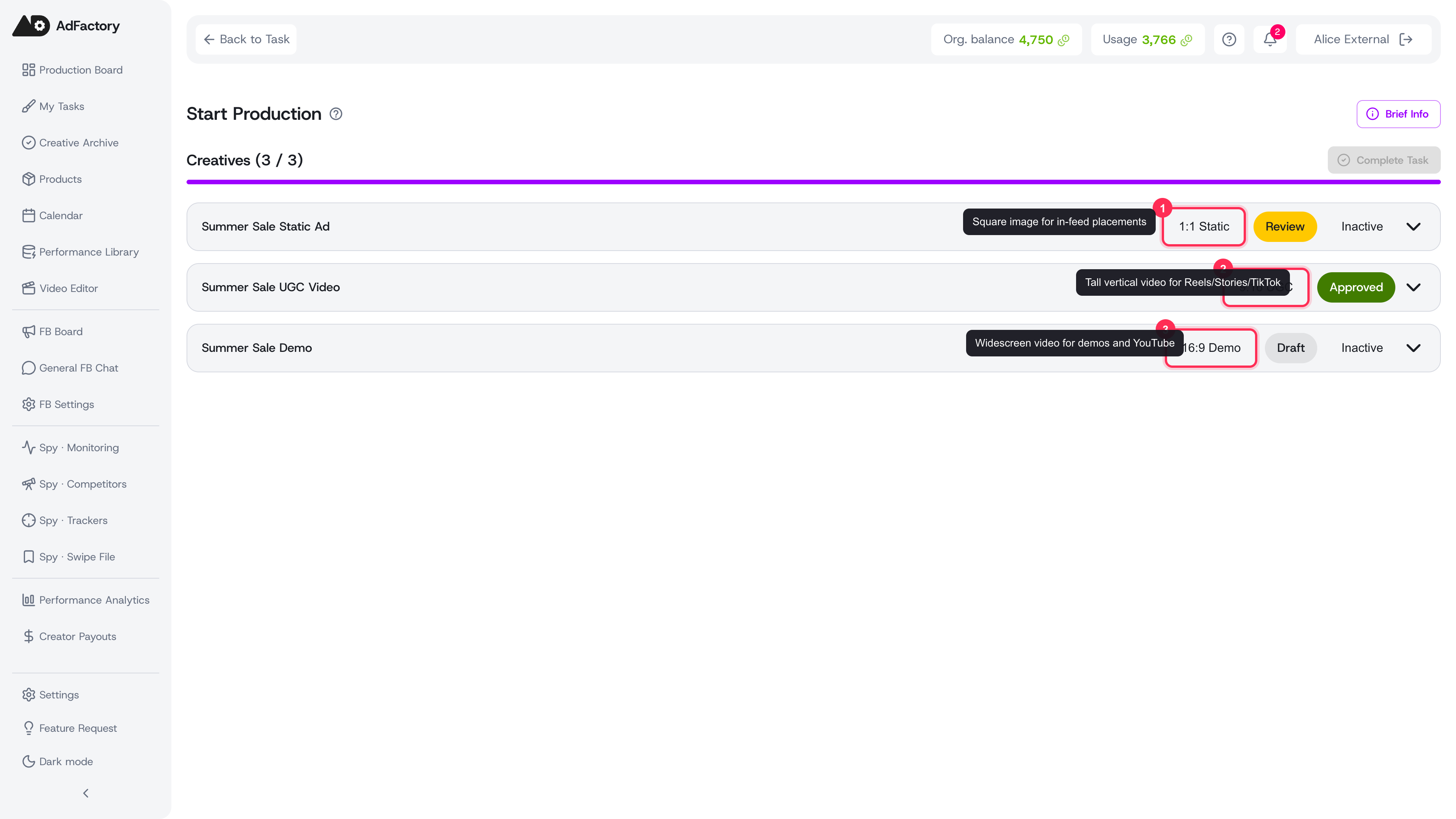 Each creative in a task carries its own format, so every deliverable is produced at the correct aspect ratio
The available formats
When you set up a task or add a creative, you choose from a small, focused set of formats:
- 9:16 UGC — tall, vertical video built for full-screen mobile placements like Reels, Stories, TikTok, and Shorts. The go-to format for user-generated-style ads.
- 1:1 Static — a square image, ideal for in-feed placements that need a clean, scroll-stopping still.
- 16:9 Demo — widescreen, landscape video suited to product demos, walkthroughs, and placements like YouTube in-stream.
- 3:4 — a portrait format that sits between square and full-vertical, useful for feed placements that favor taller media.
Each format maps to a specific aspect ratio, so the team and the AI tools produce media at the correct dimensions from the start.
Where you choose a format
Format shows up in two places:
- On a task. When creating a task, you select one or more creative formats in the brief. This tells your team which deliverables the task should produce and sets expectations before work begins.
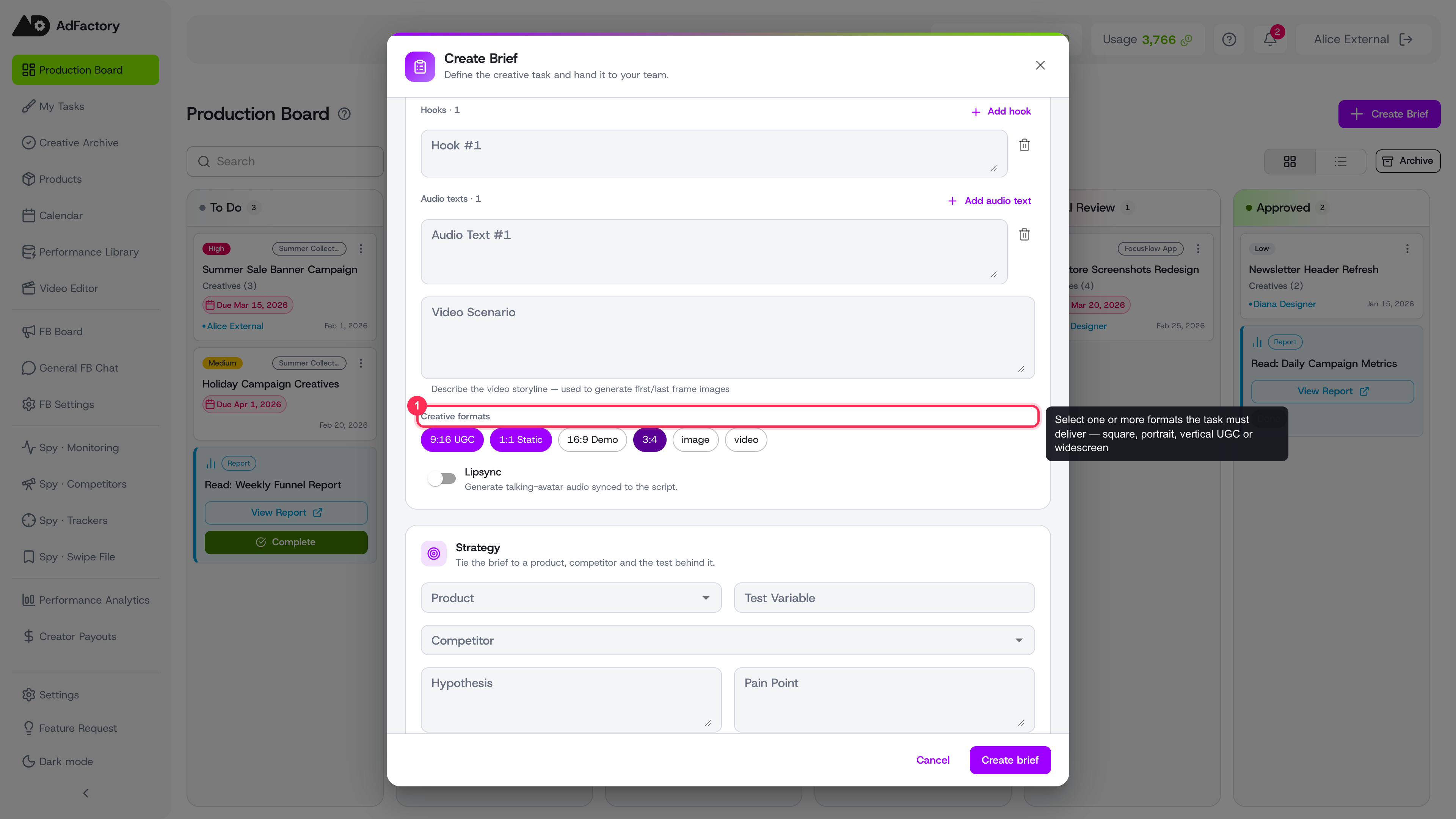 In the task brief you choose one or more formats, which sets the deliverables the task must produce
- On a creative. When creating a creative inside that task, you pick the single format for that specific deliverable. A task that calls for both a 9:16 UGC video and a 1:1 static image becomes two creatives, one per format.
Why the format matters
The format you choose flows through the rest of production:
- AI generation respects it. When you generate images or video, the aspect ratio aligns with the creative's format, so outputs are sized for the placement, not cropped after the fact.
- Materials stay consistent. The media files you upload or generate are produced for the chosen ratio, which keeps every asset in the creative aligned.
- Review is clearer. Reviewers in the creative review pipeline can judge each deliverable against the placement it's actually meant for.
Tips
- Match the format to the channel first, then the message — a vertical UGC hook and a widescreen demo call for different pacing.
- Add every format you need on the task so nothing gets missed, then produce one creative per format.
- If you're modeling a competitor ad you found in the Spy Agent, choose the format that matches the original placement.