Guided onboarding: from site URL to first task
The Spy onboarding wizard takes you from your website URL to an AI product draft, suggested competitors, their winning creatives, and your first creative task.
Open in appGuided onboarding is the fastest way to get value from AdFactory on day one. It's a short wizard that starts with your website URL and ends with your first creative task already briefed and waiting on your task board — powered along the way by competitor intelligence.
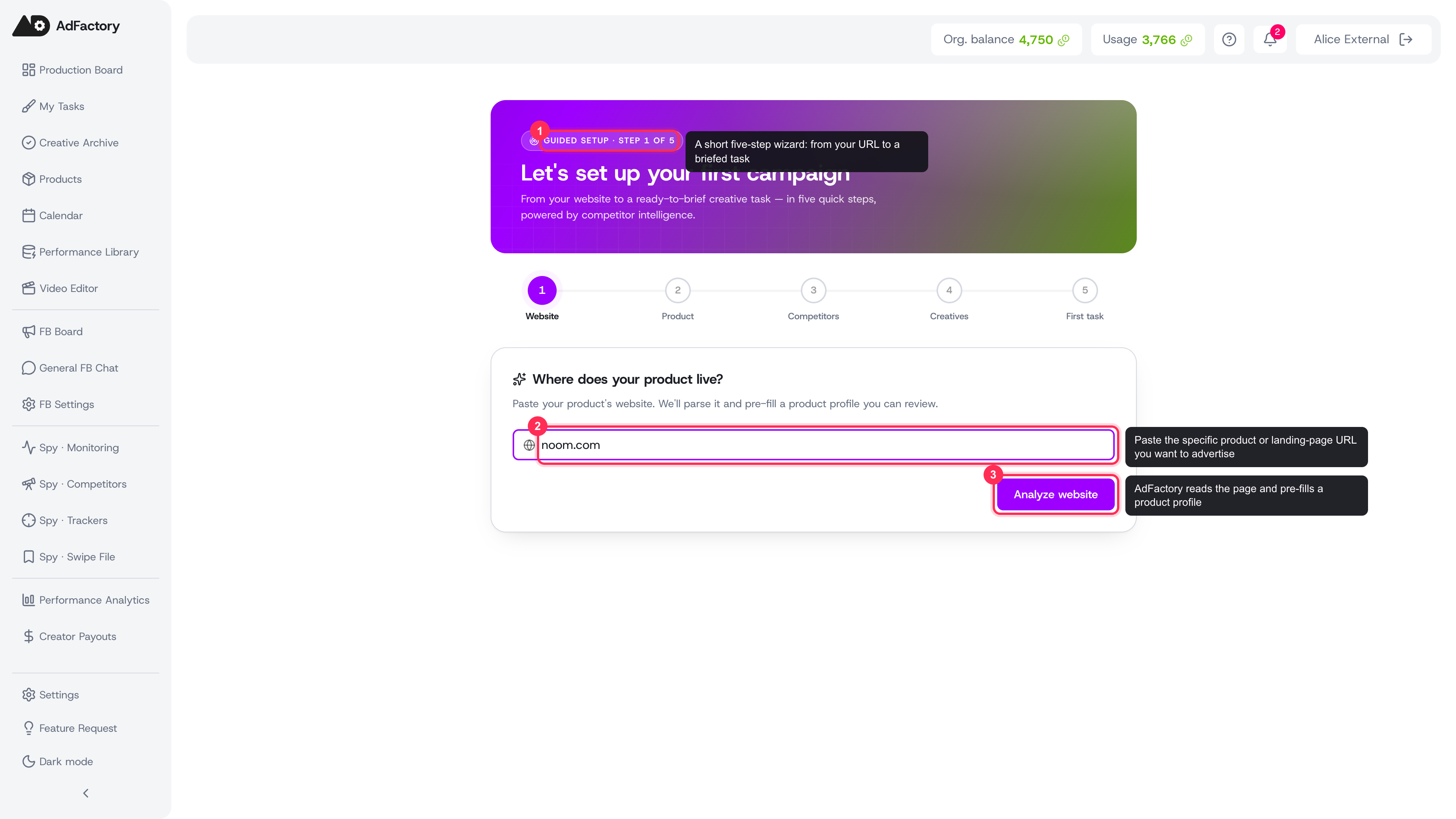 Step 1 — paste your product's website; AdFactory reads the page to pre-fill your profile
What the wizard does
Onboarding walks you through five quick steps:
- Your website. Paste your product's URL. AdFactory reads the page and extracts your positioning, offer, and audience.
- Review your product. The AI pre-fills a product profile from your site. Check the details, edit anything that's off, and save it.
- Pick competitors. Based on your product, AdFactory suggests competitors to watch. Each comes with a short reason it was matched. Select one or several.
- Browse their creatives. See the winning ads those competitors are running and choose one to model.
- Get your first task. AdFactory auto-creates a creative task from the ad you picked — with an AI-written brief and the reference attached. No form to fill in.
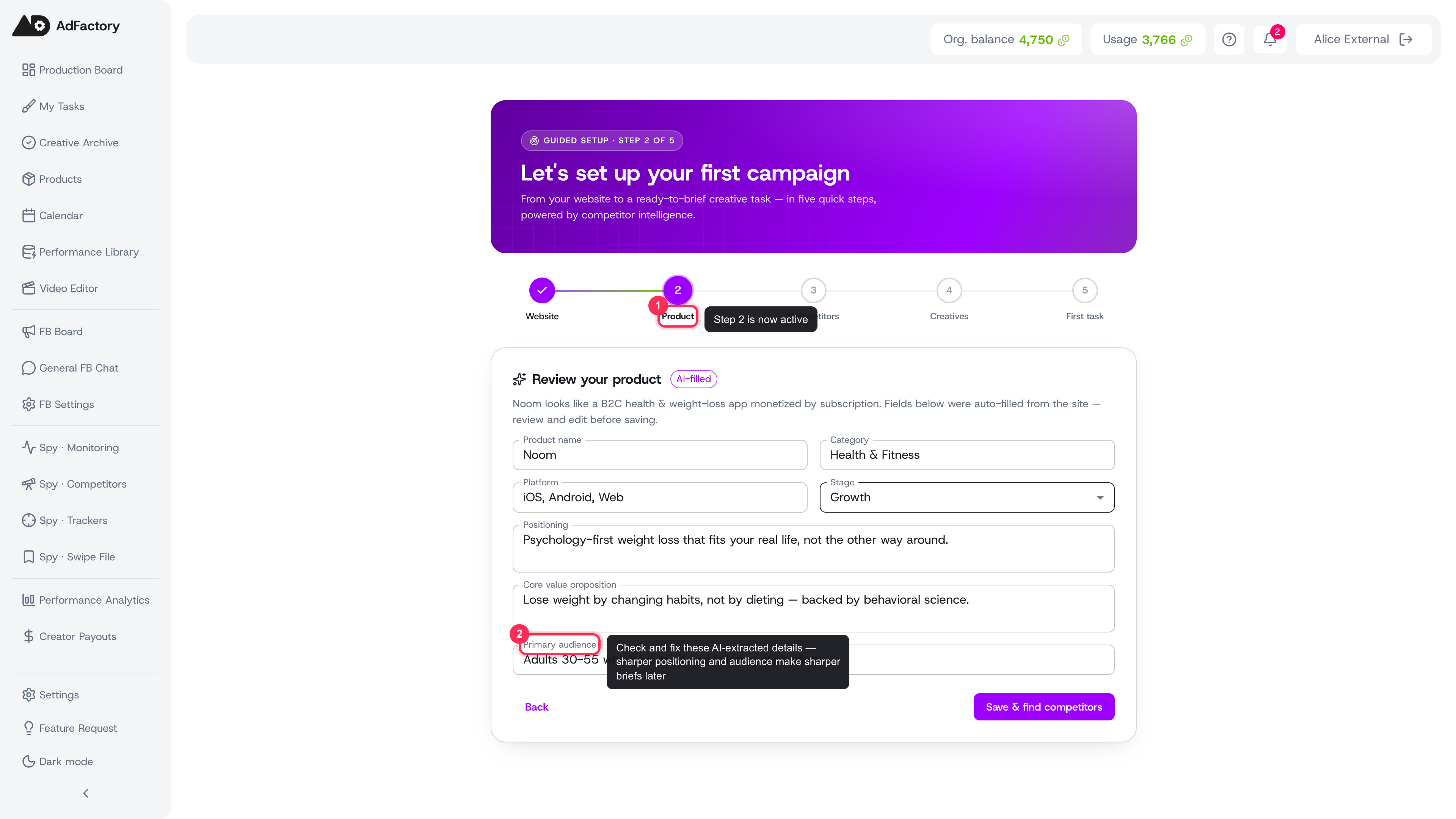 Step 2 — review the AI-generated product profile, correct anything off, and save
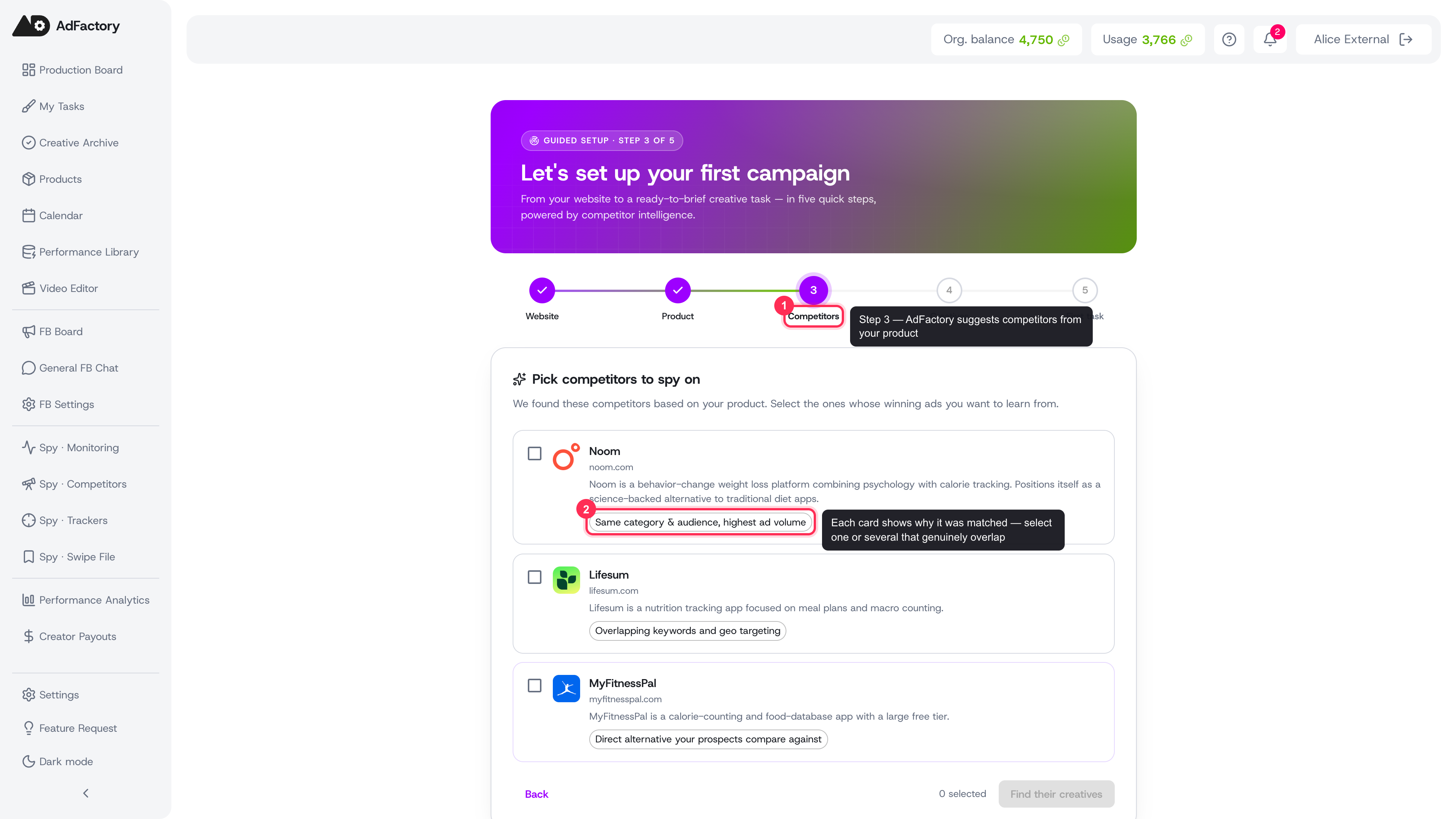 Step 3 — pick competitors to watch; each card shows why it was matched
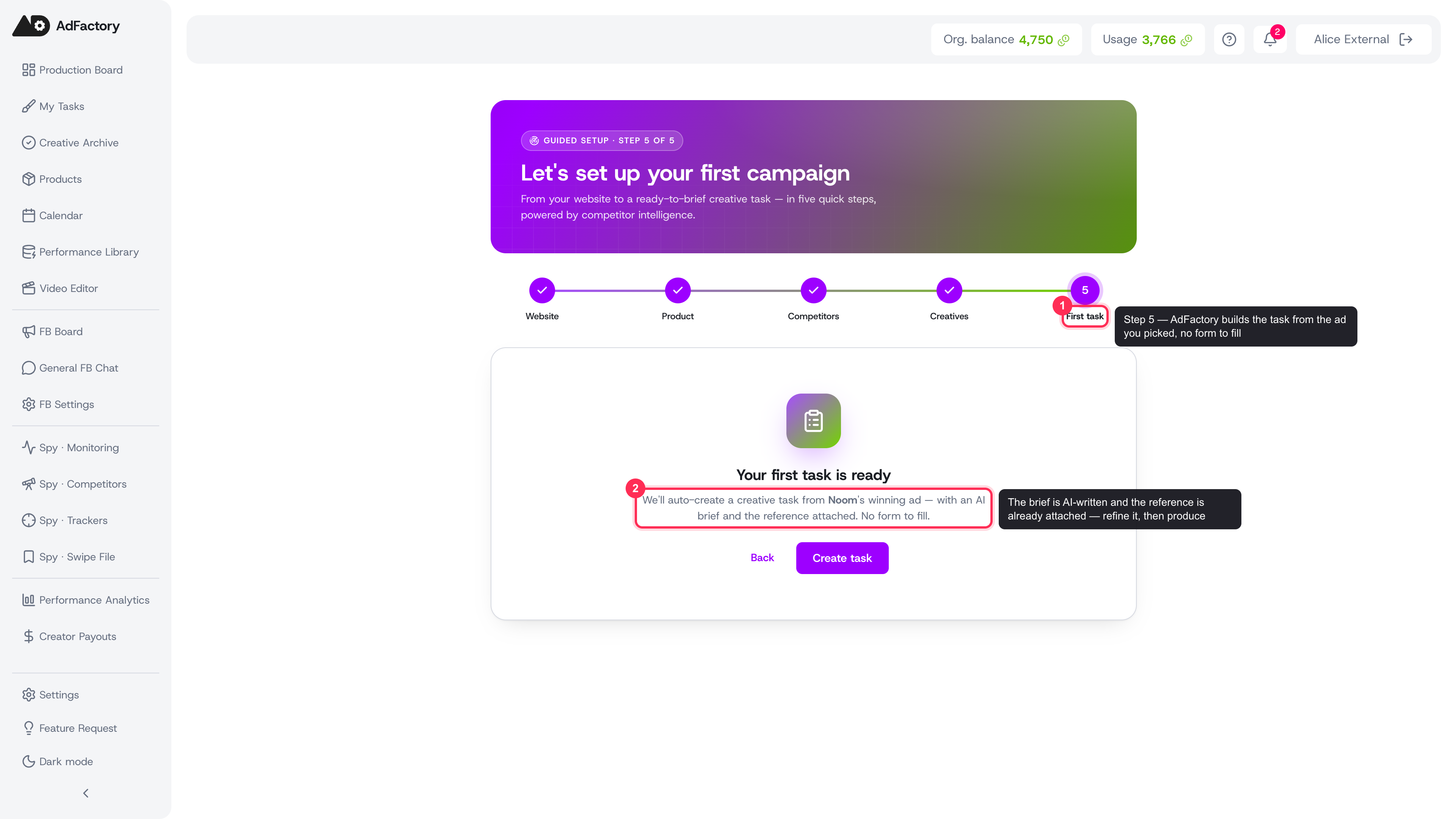 Step 5 — land on your first creative task, pre-briefed with the reference attached
When you finish, you land directly on the new task, ready to assign and produce.
Getting started
The wizard opens automatically for new accounts right after you name your organization. If you'd rather start fresh later, you can return to it any time from the Spy Agent area.
To make the most of it:
- Use the URL of the specific product or landing page you want to advertise, not just your company homepage.
- Take a moment on the Review your product step — accurate audience and positioning details lead to sharper AI briefs and better generated creatives down the line.
- Pick competitors that genuinely overlap with your offer; their ads become the reference library you draw from.
It's resumable
You don't have to finish in one sitting. The wizard remembers where you left off, so you can close the tab and pick up from the same step when you come back.
What happens next
Once your first task exists, the rest of AdFactory opens up:
- Refine the brief. A strong brief is the biggest driver of on-target results — tweak the AI draft before production starts.
- Produce the creative. Generate images, video, and more with AI generation inside the task.
- Keep researching. Dive deeper with the Spy Agent: add more competitors, explore the ad library, and save standouts to your swipe file.
- Spin up more tasks. Found another winning ad? Create a task straight from Spy the same way the wizard did.
That's it — from a single URL to a production-ready task in a few minutes.