The product tour
Take the in-app guided slide tour after naming your organization, and relaunch it any time from the header.
The product tour is a short, guided slide walkthrough that introduces the core AdFactory workspace. It appears automatically the first time you reach the app, and you can relaunch it any time you want a refresher.
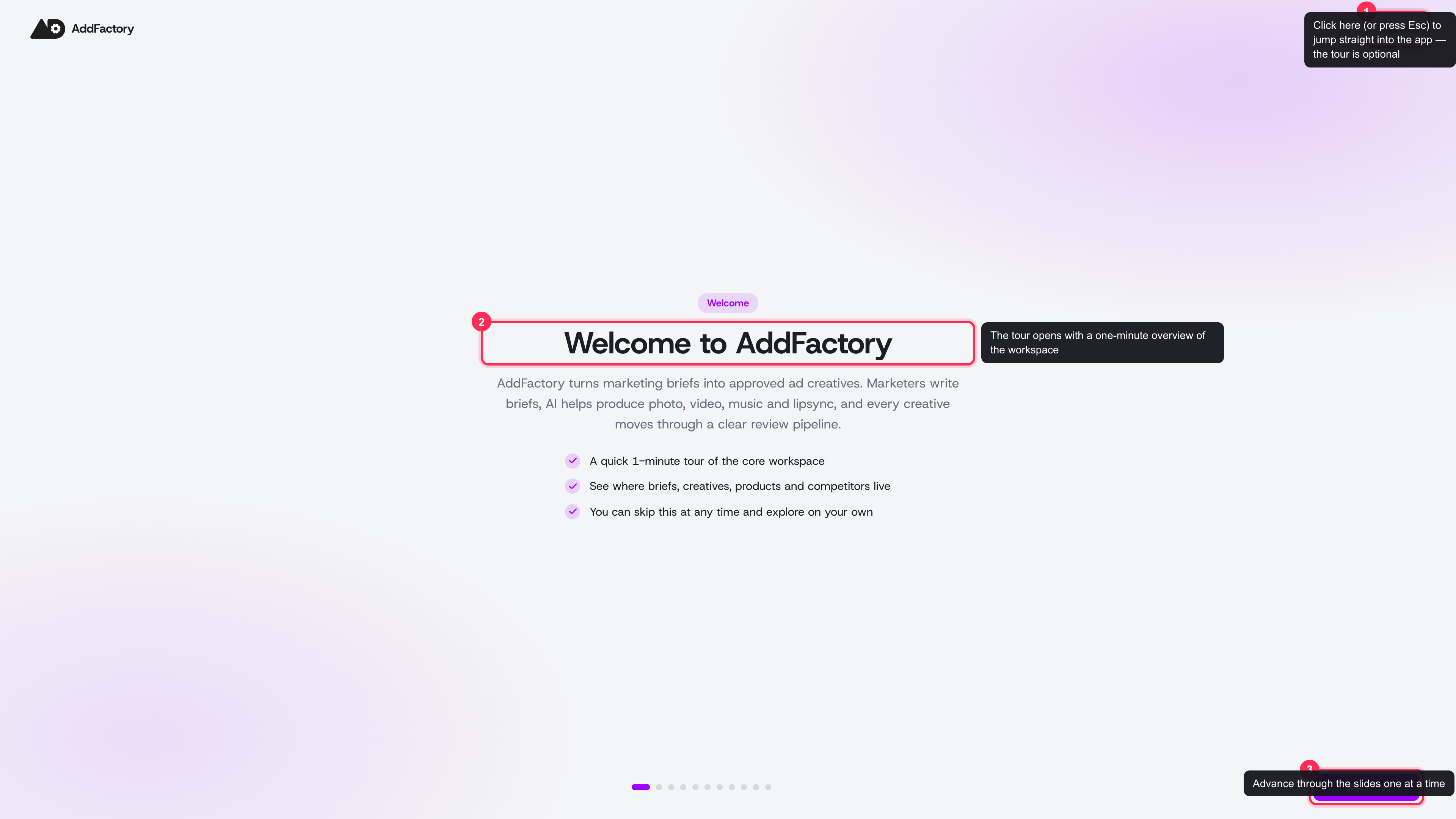 The product tour opens as a full-screen, optional walkthrough with Skip tour and Next controls
When the tour appears
Right after you set up your account and name your organization, AdFactory shows the tour as a quick, full-screen introduction. It's the fastest way to get your bearings before you dig in.
The tour is completely optional:
- Click Skip tour in the top corner (or press Esc) to jump straight into the app.
- Your progress is remembered per organization, so the tour won't keep reappearing once you've seen or skipped it.
What the tour covers
In about a minute, the slides walk you through where everything lives, with real screenshots of each area:
- The task board — where every brief your team works on appears, including ones generated for you. See the task board.
- Approved creatives — the searchable library of finished, ready-to-use ads. See approved creatives.
- Products — the audience, psychology, and positioning context that powers better briefs and AI. See products overview.
- Analytics — how your creatives and team are performing against benchmarks. See the analytics dashboard.
- Competitor intelligence — researching and tracking competitor ads with the Spy Agent.
- Balance and notifications — where your credits and alerts live. See credits and payments and notifications.
- Producing a creative — opening a brief and stepping through AI generation.
Moving through the slides
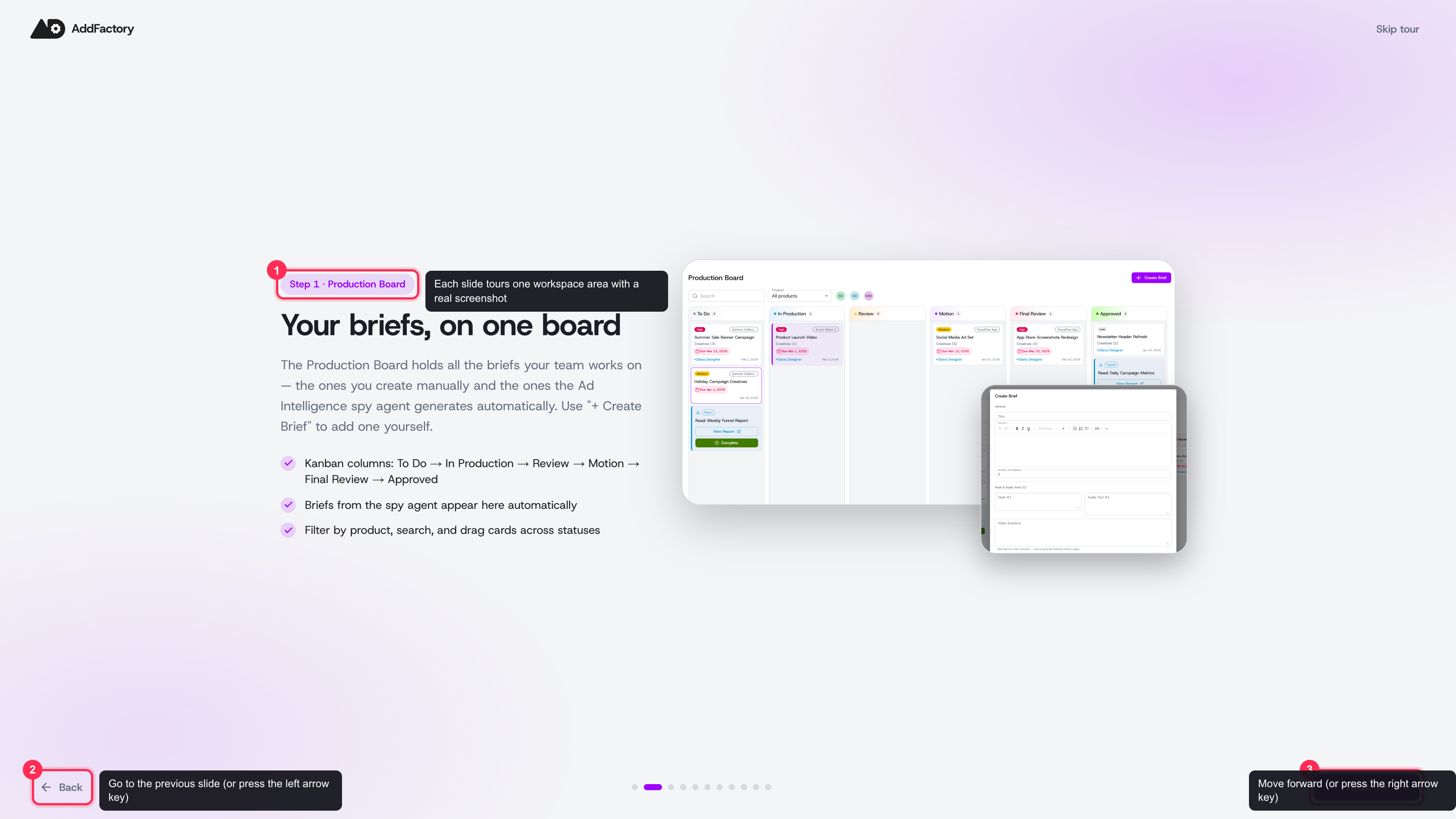 Each slide tours one workspace area with a real screenshot — use Next, Back, the arrow keys, or the dots to move around
- Use Next and Back, or the left/right arrow keys, to move between slides.
- Click any dot at the bottom to jump straight to a slide.
- On the final slide, choose Go to Production Board to land on the task board and start working.
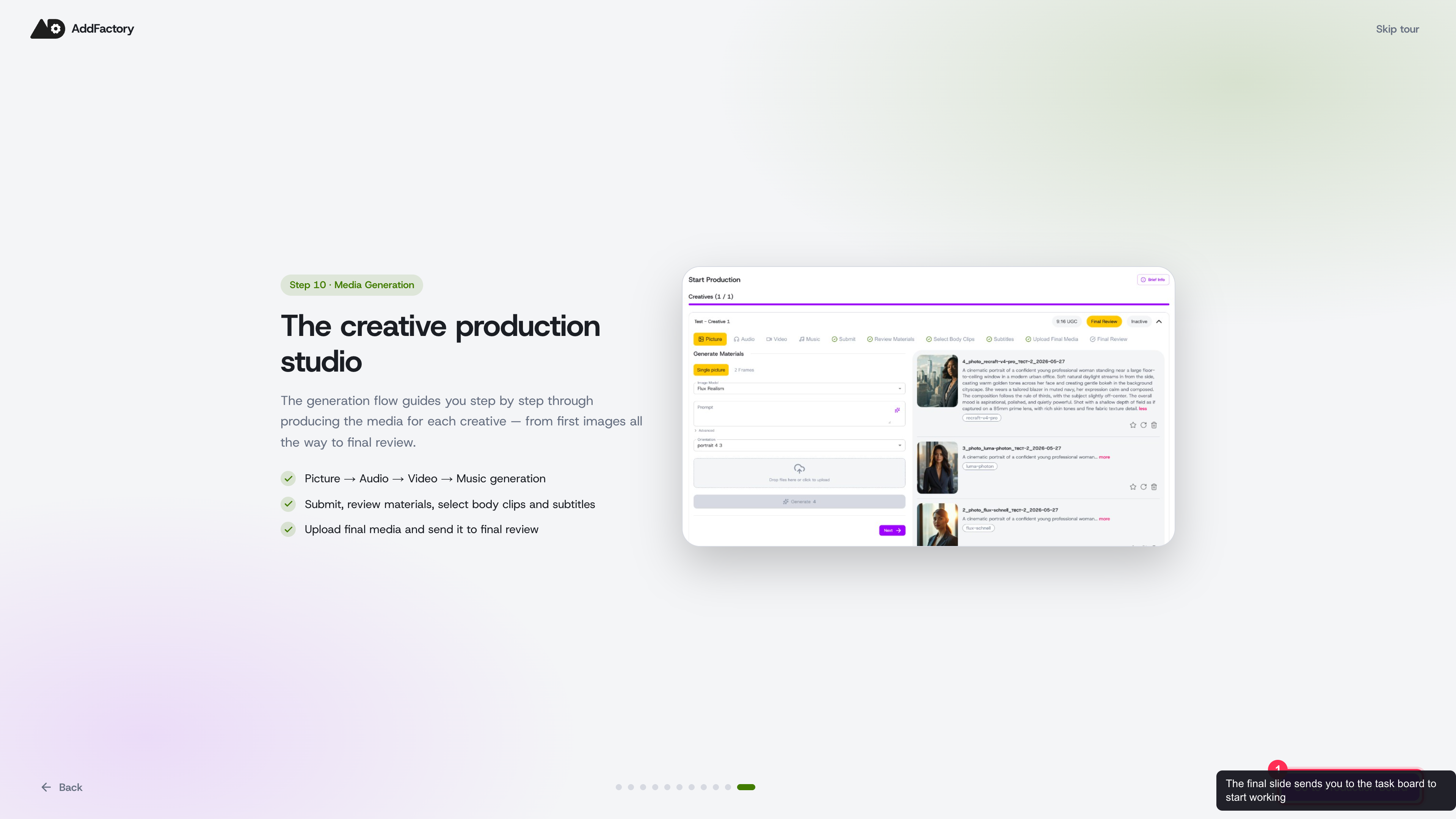 On the last slide, Go to Production Board lands you on the task board
Relaunching the tour later
You don't have to take the tour in one sitting. The Product tour button in the app header reopens it whenever you like — handy for onboarding a new teammate or revisiting a feature you haven't used yet.
 Reopen the tour any time from the Product tour icon in the header, next to your balance and notifications
What's next
The tour is a quick orientation, not a setup wizard. To actually reach your first creative, follow the guided onboarding, which takes you from your website URL to suggested competitors and your first creative task in a few minutes.