Prompt optimization
Rewrite, score, and optimize prompts — and compile prompts from analysis — to get better generations.
A good prompt is the difference between a generation that nails your idea and one you have to redo. AdFactory's prompt tools help you write, score, and refine prompts right where you generate — so you get better images, video, audio, and hooks without guessing.
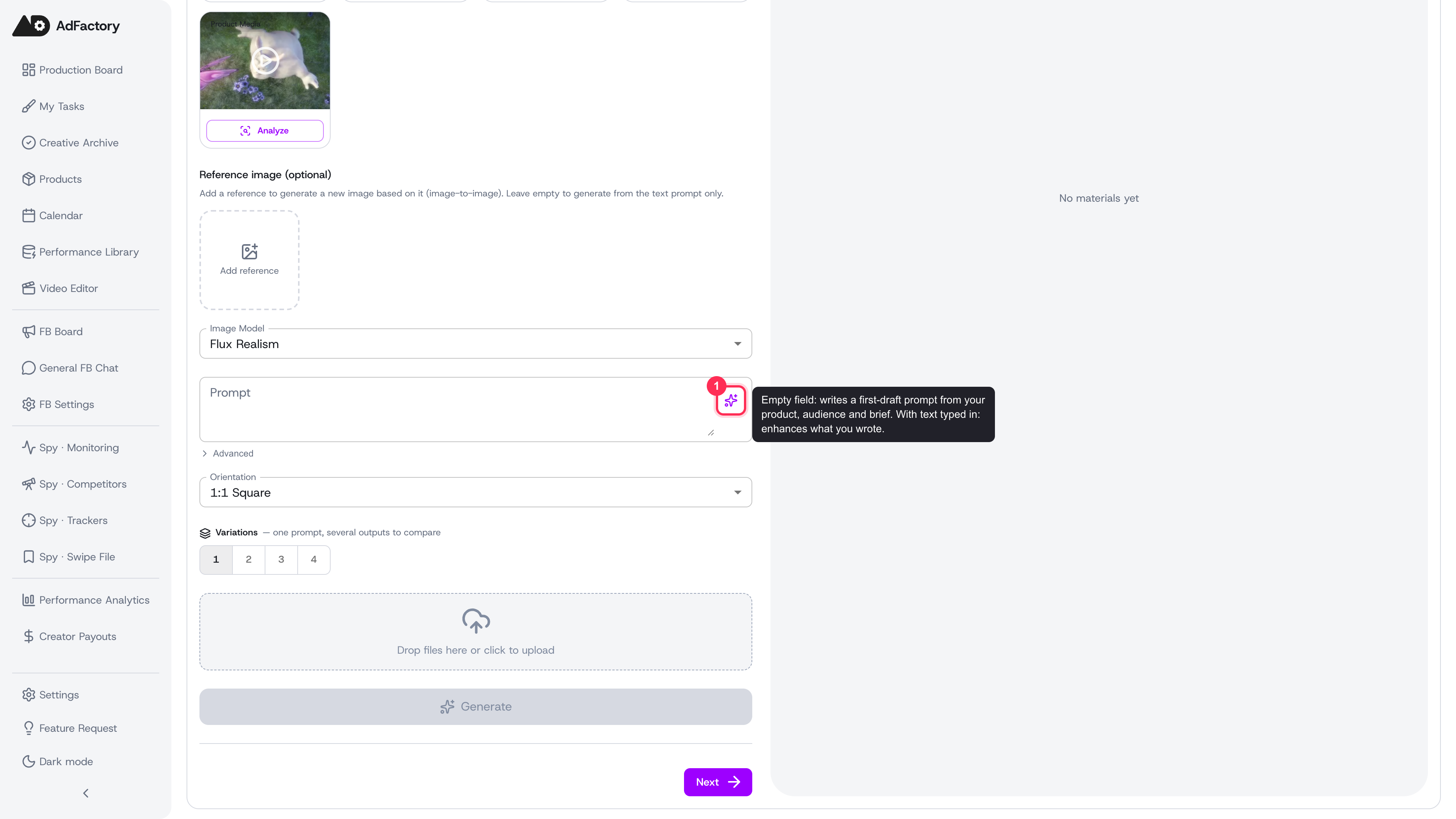 The image prompt field in the creative editor, with the sparkle button that generates or enhances your prompt
The sparkle button: generate and enhance
Most prompt fields across AI generation have a sparkle button built in:
- Generate — if the field is empty, AdFactory writes a first-draft prompt for you from the surrounding context (the product, audience, style, aspect ratio, and brief already attached to your creative).
- Enhance — if you've typed something, it rewrites your prompt to be clearer and more detailed while keeping your intent.
After a generation, a regenerate button appears next to it. Tap it to get a fresh variation of the same idea — handy when the first draft is close but not quite right.
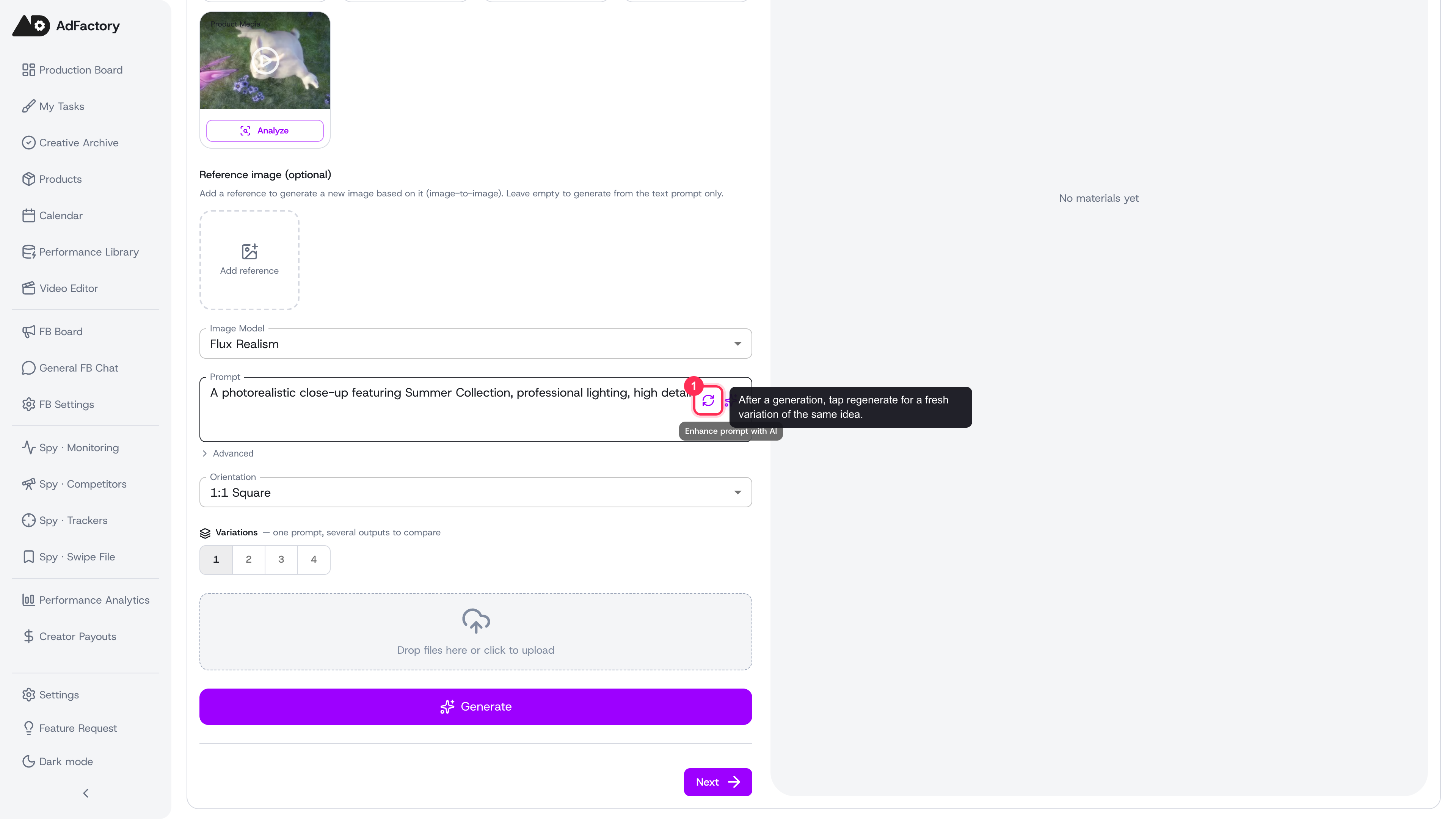 After generating a prompt, a regenerate button appears beside the sparkle for a fresh variation of the same idea
Tune the result
Open the Advanced panel under the field to fine-tune:
- Creativity — choose Consistent, Balanced, or Creative to control how far the AI strays from your wording.
- Negative prompt — list what you don't want (for example "blurry, low quality, distorted faces"). Supported models use it to steer away from common mistakes.
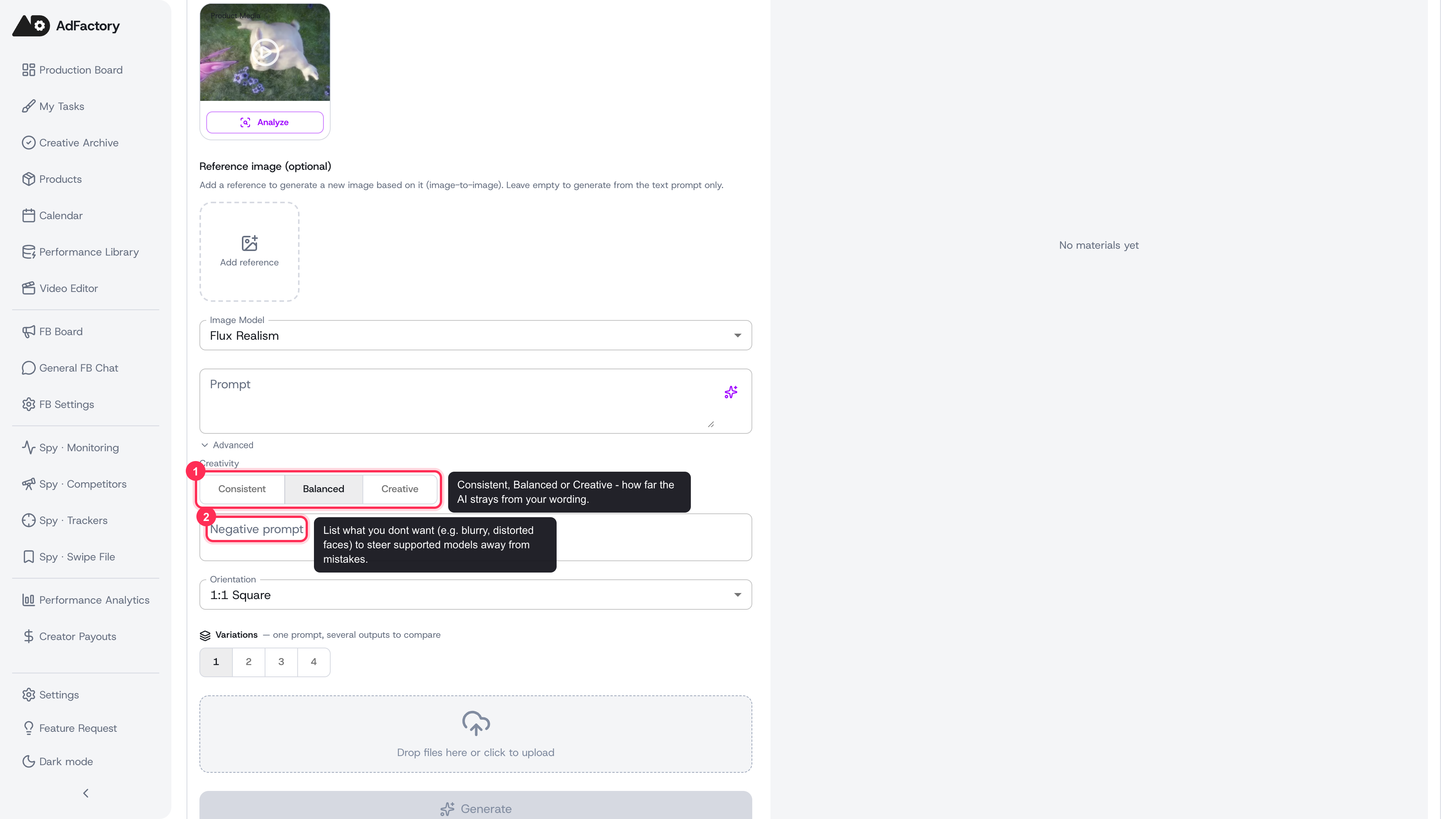 The expanded Advanced panel showing the Creativity toggle and the Negative prompt field
Improve, analyze, and optimize
Some prompt editors give you three explicit actions:
- Improve — rewrites the prompt for clarity and detail and lists the changes it made.
- Analyze — scores your prompt out of 10 and shows its strengths, weaknesses, and concrete suggestions, without changing your text.
- Optimize — restructures the prompt for the specific model and style you're targeting.
Use Analyze first to see where a prompt is weak, then Improve or Optimize to act on it.
Prompts compiled from research
When you build creatives from competitor research, prompts are also compiled automatically. Analysis from the Spy Agent — what makes a winning ad work — can be turned into ready-to-run image and video prompts, so you start from a proven angle instead of a blank field.
Tips for better prompts
- Fill in the product profile and a clear brief before generating — richer context produces stronger first drafts.
- Be specific about subject, setting, lighting, and mood; vague prompts get vague results.
- Generate a few variations and compare, rather than perfecting one prompt.