Body clips library
Browse a library of reusable body and ending footage with thumbnails, tags, and AI analysis you can reuse across creatives.
The body clips library is your team's shared, reusable footage collection. Body and ending clips you've produced live here with thumbnails, tags, and AI analysis — ready to drop into new creatives without recreating them from scratch.
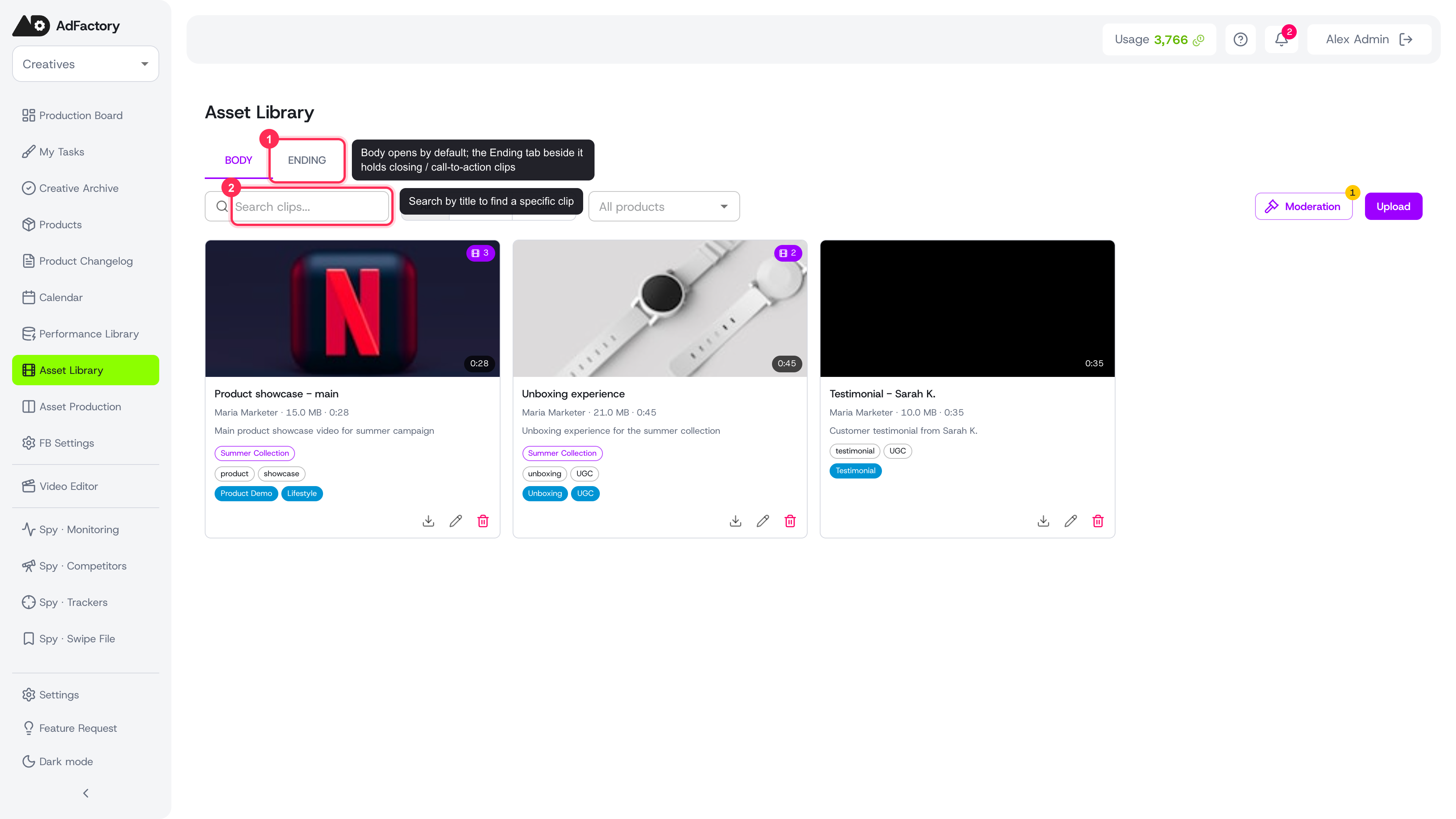 The body clips library opens on the Body tab, with an Ending tab alongside; each clip is a card with thumbnail, title, tags, type, and duration
What a body clip is
A body clip is a reusable piece of video or photo footage that becomes part of a finished ad. Each clip falls into one of two categories:
- Body — the main footage that carries the message of an ad.
- Ending — the closing footage, often a call to action or sign-off, that wraps a creative.
Storing this footage in one place means a winning shot can be reused across many creatives instead of being filmed or generated again.
Browsing the library
The library opens on the Body tab, with an Ending tab alongside it. From there you can narrow down the collection:
- Search by title to find a specific clip.
- Filter by type — video or photo.
- Filter by product to see only clips tied to a given product.
- Filter by content category within the selected product.
Each clip shows a thumbnail, its title, tags, type, and duration so you can scan quickly. Open any clip for a full preview.
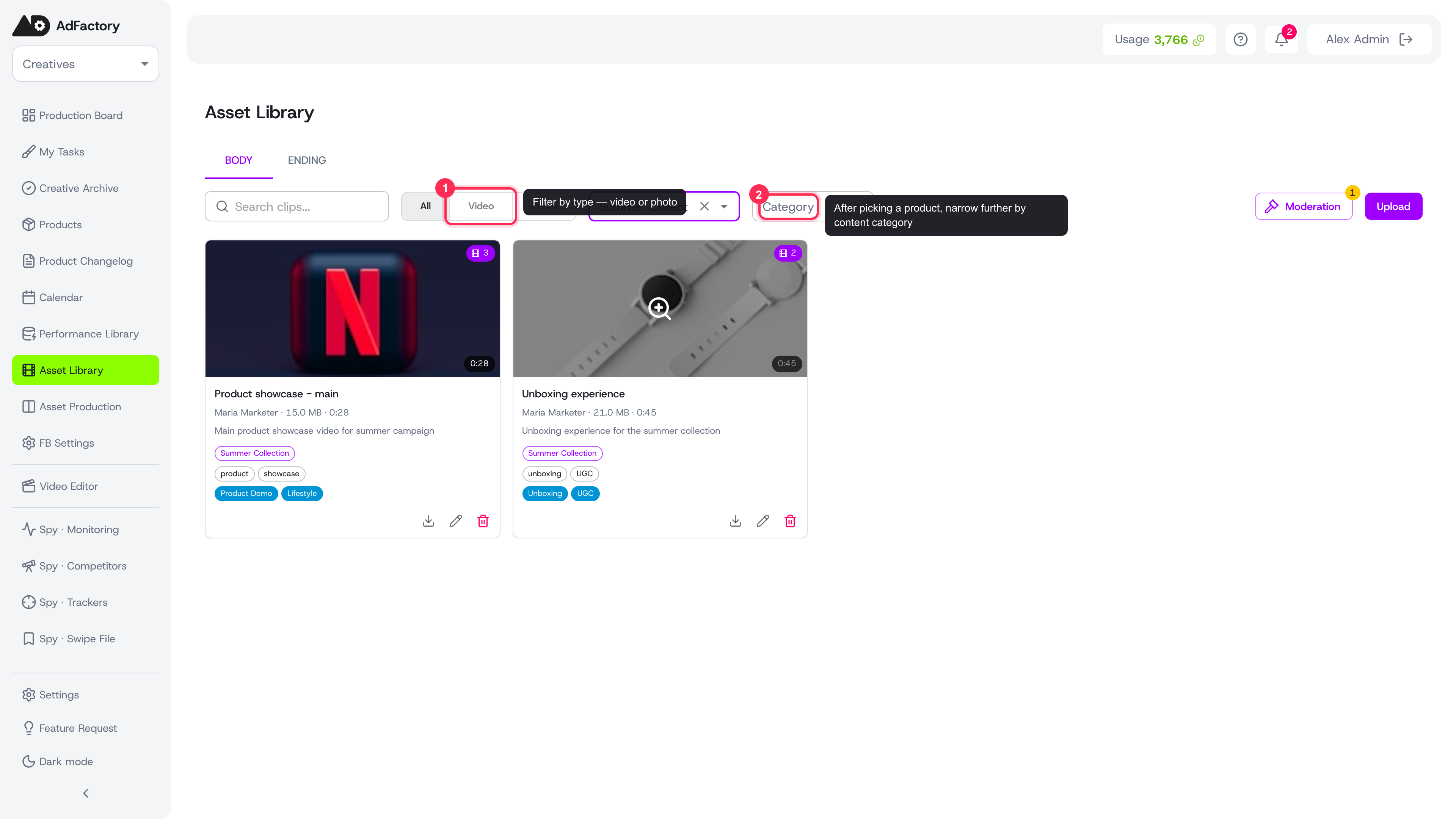 Narrow the library by title search, type (video/photo), product, and content category
What each clip carries
Every clip stores more than just the file:
- Tags and a description that make it findable.
- An optional product link so footage stays organized by what it advertises.
- AI analysis that describes the content, helping you match the right clip to the right brief.
- A usage count showing how many creatives already use it — a quick signal of which footage is proven.
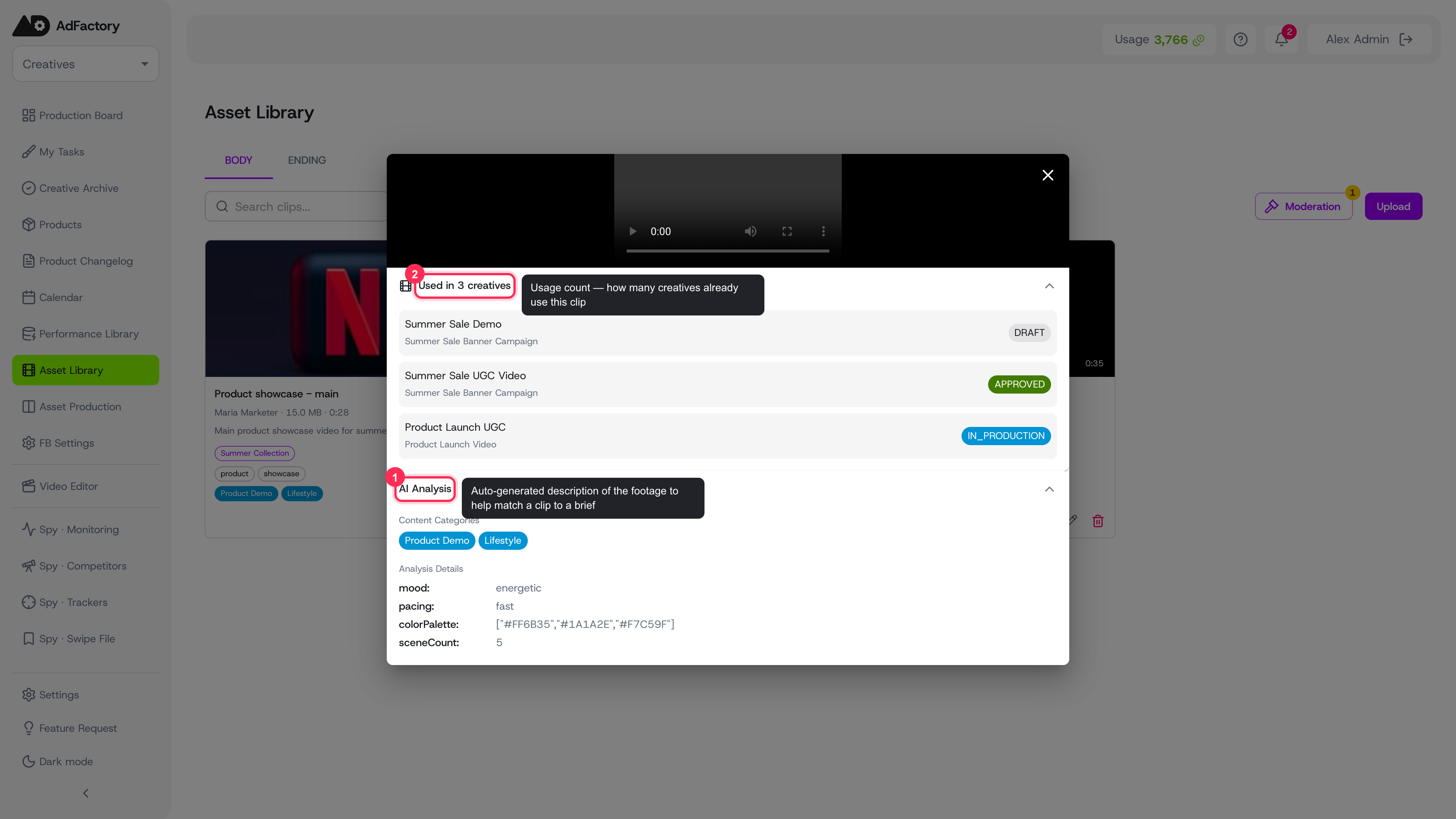 Open any clip for a full preview: the video, a usage count with the creatives that use it, and an AI analysis of content categories, mood, pacing, and colors
Where clips come from
Clips arrive in the library a few ways: uploaded directly, produced through a body-clip production workflow, or saved from AI generation. New footage is reviewed before it appears in the main library, so everything you browse has already been approved for reuse.
Using clips in your work
The library is most useful at production time. When a creative is built, the motion designer tags which clips were actually used — drawing on suggestions from the linked task and the full library. See using body clips in a creative for that step, and the creative review pipeline for how those creatives move toward approval.
Tips for a clean library
- Give clips clear, descriptive titles and consistent tags so teammates can find them fast.
- Link clips to a product whenever possible to keep filtering useful.
- Lean on the usage count to spot proven footage worth reusing in new tasks.